Selecting the ideal screen for gaming and entertainment can feel overwhelming, especially when confronted with a bewildering array of resolution standards and technical specifications. Whether you're considering a PC monitor or a television, understanding the differences between 720p, 1080p, HD, Full HD, 4K, and 8K is essential to making an informed decision. The choice you make will significantly impact your viewing experience, from the clarity of fast-paced action sequences to the immersive detail in open-world gaming environments. With leading brands such as Samsung, LG, Hisense, and TCL offering an extensive range of models across various sizes and technologies, including OLED and Smart TV features, navigating this landscape requires a clear grasp of what each resolution truly offers and how it aligns with your specific needs.
Decoding display resolutions: from 720p to 8k
The journey through display resolutions begins with understanding the terminology that defines image quality. Each resolution standard corresponds to a specific number of horizontal lines that compose the picture, and this directly influences the sharpness and detail you perceive. The progression from 720p through to 8K represents a dramatic evolution in visual fidelity, driven by advances in panel technology and consumer demand for ever more lifelike images. Grasping these distinctions helps you appreciate why some content looks crisp on one screen but appears less impressive on another, and why investing in a higher resolution might enhance your overall entertainment experience.
What do 720p, 1080p, hd, and full hd actually mean?
Starting with the basics, 720p refers to a resolution of 1280 by 720 pixels, where the 'p' stands for progressive scan, meaning each frame is drawn in one pass rather than interlaced. This standard is commonly labelled as HD, or High Definition, and was a significant leap forward when it first arrived, offering noticeably sharper images than older standard-definition formats. For smaller screens or casual viewing, 720p can still provide a satisfactory experience, particularly when budget considerations are paramount. However, as screen sizes have grown and content quality has improved, the limitations of 720p have become more apparent, especially on displays larger than 32-Inch.
Moving up the ladder, 1080p delivers a resolution of 1920 by 1080 pixels, which doubles the vertical resolution of 720p and is widely known as Full HD. This standard has become the benchmark for many televisions and monitors, offering a substantial improvement in clarity and detail. Full HD is particularly well-suited to a variety of content types, from streaming services to Blu-ray discs, and remains a popular choice for those seeking a balance between quality and affordability. The increased pixel density means that text appears sharper, gaming visuals gain more depth, and movies benefit from finer details that were previously obscured. For screens in the 55-Inch to 65-Inch range, Full HD continues to deliver a compelling viewing experience, although discerning viewers may begin to notice individual pixels at closer distances.
Understanding 4K and 8K: The Future of Ultra-High-Definition Content
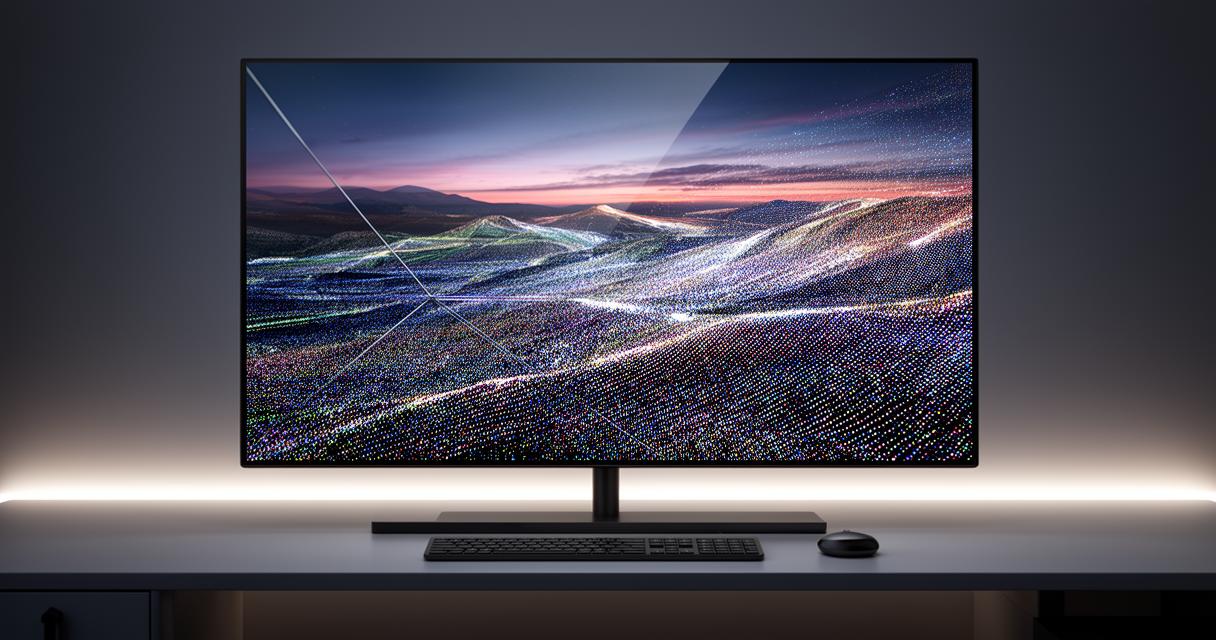
The transition to 4K, also known as Ultra HD, represents a quantum leap in resolution, offering 3840 by 2160 pixels. This standard quadruples the pixel count of Full HD, resulting in images that are stunningly detailed and lifelike. The benefits of 4K become especially pronounced on larger displays, such as 70-75 Inch or even 80-85 Inch models, where the increased pixel density ensures that viewers can sit closer without perceiving individual pixels. This resolution is now the gold standard for premium televisions from brands like Samsung, LG, Hisense, and TCL, with models such as the Hisense U7SG, LG C5 OLED, and Samsung S95F OLED showcasing the technology's potential. The proliferation of 4K content, from streaming platforms to gaming consoles, has made this resolution highly accessible and desirable for modern households.
Beyond 4K lies the frontier of 8K, which boasts a resolution of 7680 by 4320 pixels, effectively doubling 4K in both dimensions and delivering an almost incomprehensible level of detail. Early adopters of 8K technology, including flagship models like the Samsung S95H OLED and LG G6 OLED, offer a glimpse into the future of home entertainment. However, the practical benefits of 8K remain debatable for most consumers, as native 8K content is still relatively scarce and the human eye's ability to distinguish such fine detail depends heavily on screen size and viewing distance. For those considering a 100-Inch screen or aiming for a future-proof investment, 8K may hold appeal, but for the majority, 4K continues to represent the sweet spot between performance, content availability, and cost.
Pc monitors versus tv screens: key differences that matter
While both PC monitors and televisions serve as display devices, they are designed with distinct use cases in mind, and these differences can profoundly affect your experience. Understanding the contrasts in pixel density, aspect ratios, response times, and refresh rates is crucial when deciding which type of screen best suits your gaming or entertainment needs. Monitors are typically optimised for close-range viewing and rapid interaction, making them ideal for competitive gaming and productivity tasks. Televisions, on the other hand, are engineered for comfortable viewing from a distance, prioritising larger screen sizes and broader connectivity options to accommodate diverse home entertainment setups.
Pixel Density and Aspect Ratios: Why They're Crucial for Your Viewing Experience
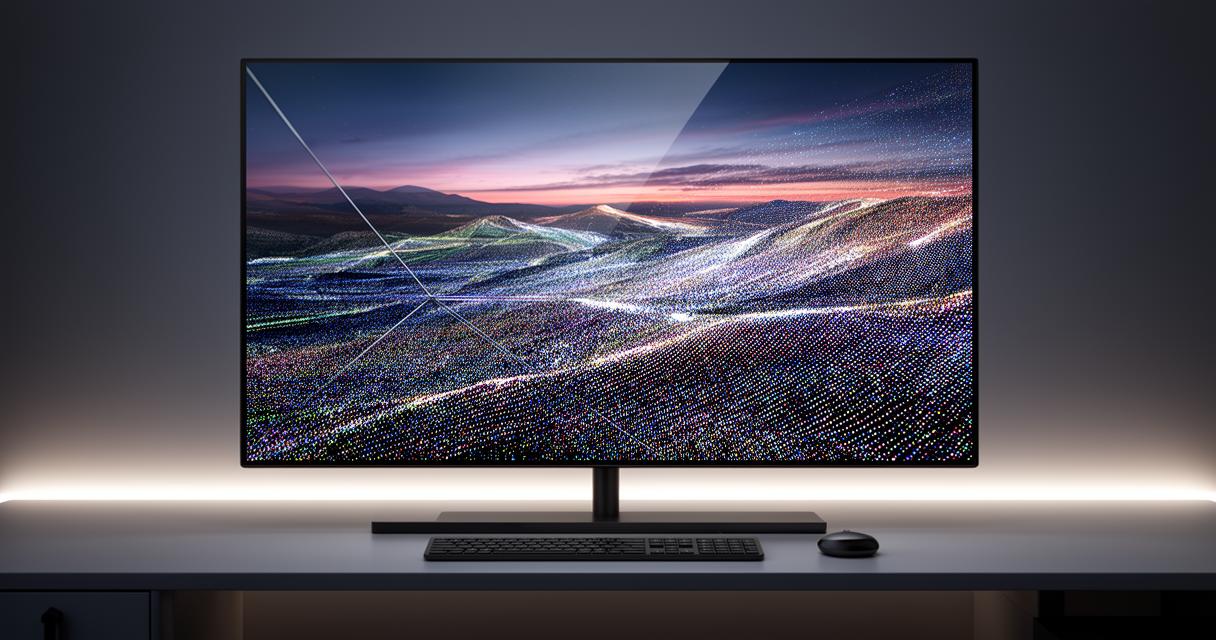
Pixel density, measured in pixels per inch or PPI, is a critical factor that determines how sharp an image appears at a given viewing distance. PC monitors generally feature higher pixel densities because they are viewed from much closer than televisions. A 32-Inch monitor with a 4K resolution will have a significantly higher PPI than a 65-Inch OLED television with the same resolution, resulting in crisper text and finer details that are essential for tasks like photo editing or spreadsheet work. Conversely, televisions sacrifice some pixel density in favour of larger screen real estate, which is less of an issue when viewed from across a living room.
Aspect ratios also play an important role in shaping your viewing experience. Most modern televisions and monitors adhere to a 16:9 aspect ratio, which is ideal for widescreen content such as films and television shows. However, some PC monitors offer ultrawide formats like 21:9 or even 32:9, providing an expansive field of view that can enhance immersion in gaming and improve multitasking efficiency. These ultrawide displays are particularly popular among enthusiasts who want to replicate a multi-monitor setup without the bezels, though they are less common in the television market. When choosing between a PC monitor and a television, consider how you plan to use the screen and whether the aspect ratio aligns with your content preferences.
Response times and refresh rates: gaming performance considerations
For gamers, response times and refresh rates are among the most important specifications to evaluate. Response time refers to how quickly a pixel can change from one colour to another, typically measured in milliseconds. Lower response times reduce motion blur and ghosting, which are particularly noticeable in fast-paced action games. PC monitors designed for gaming often boast response times of one to five milliseconds, whereas televisions tend to have slower response times, sometimes exceeding ten milliseconds. However, advancements in television technology, particularly in OLED models like the Samsung S90F OLED and TCL QM6K, have begun to narrow this gap, making modern TVs increasingly viable for gaming.
Refresh rate, measured in hertz, indicates how many times per second the screen refreshes its image. Higher refresh rates, such as 120Hz or 144Hz, provide smoother motion and a competitive edge in fast-twitch games. Many gaming monitors now support refresh rates well above 144Hz, with some models reaching 240Hz or even 360Hz. Televisions have traditionally lagged in this area, with most models limited to 60Hz, but recent flagships from Samsung, LG, and Hisense now offer 120Hz or higher, particularly in their 55-Inch and 65-Inch OLED ranges. If you're serious about gaming, especially on next-generation consoles or high-end PCs, prioritising a display with a high refresh rate and low response time will significantly enhance your experience, whether you opt for a monitor or a television.
Choosing the Right Resolution for Gaming and Entertainment
Determining the optimal resolution for your setup involves balancing several factors, including the type of content you consume most frequently, your budget, and the physical characteristics of your viewing environment. There is no one-size-fits-all answer, as the best choice will vary depending on whether you prioritise cinematic immersion, competitive gaming performance, or everyday versatility. By considering how different resolutions align with your specific use cases, you can make a more informed decision that maximises both value and satisfaction.
Matching Screen Resolution to Your Content: Blu-ray, Streaming, and Gaming
The resolution you choose should reflect the quality and format of the content you intend to enjoy. For those who regularly watch Blu-ray discs or stream high-definition content from platforms like Amazon Prime Video, Netflix, or Disney Plus, Full HD or 4K will deliver the sharpest and most detailed images. Blu-ray discs, in particular, are mastered in either 1080p or 4K, so investing in a compatible display ensures you experience the content as intended by the creators. Streaming services have also embraced 4K, with a growing library of Ultra HD titles available, though a stable internet connection and a subscription tier that supports higher resolutions are necessary to take full advantage.
Gaming introduces additional considerations, as the resolution you select will influence not only visual fidelity but also performance. Many gaming consoles and PCs can output at 4K, but achieving high frame rates at this resolution often requires powerful hardware. For competitive gamers who prioritise smooth, responsive gameplay over visual detail, opting for a 1080p display with a high refresh rate may be more beneficial than a 4K screen with a lower refresh rate. Conversely, if you prefer single-player titles with rich, immersive worlds, a 4K display will allow you to appreciate the intricate environments and subtle details that developers have meticulously crafted. Models such as the Hisense U7SG and Samsung S95F OLED strike an excellent balance, offering 4K resolution alongside gaming-friendly features like variable refresh rate support and low input lag.
Practical Guidance on Screen Size, Viewing Distance, and Technology Choices
Screen size and viewing distance are interrelated factors that significantly impact how you perceive resolution. As a general rule, the larger the screen, the greater the benefit of a higher resolution, provided you are sitting at an appropriate distance. For instance, a 48-50 Inch television with 4K resolution will look stunning from around six to eight feet away, whereas a 100-Inch display may require 4K or even 8K to maintain image clarity at typical viewing distances. Conversely, sitting too close to a lower-resolution screen can reveal individual pixels and diminish the viewing experience, so it's important to match screen size and resolution to your room layout.
Technology choices also play a crucial role in determining overall picture quality. OLED panels, as seen in models like the LG C5 OLED, Samsung S90F OLED, and LG G6 OLED, offer superior contrast and colour accuracy compared to traditional LED-backlit displays, making them ideal for both gaming and cinematic content. These panels deliver true blacks and vibrant colours, enhancing the impact of high-resolution content. However, OLED screens tend to be more expensive, so budget-conscious buyers may prefer LED or QLED alternatives from brands like TCL or Hisense, which still provide excellent performance at more accessible price points. With over 532 televisions having been bought and tested, expert reviews can guide you toward the model that best fits your needs, ensuring that your investment delivers lasting satisfaction. Remember that purchasing through affiliate commission links can support these testing efforts while helping you secure the best deal on your chosen screen.